
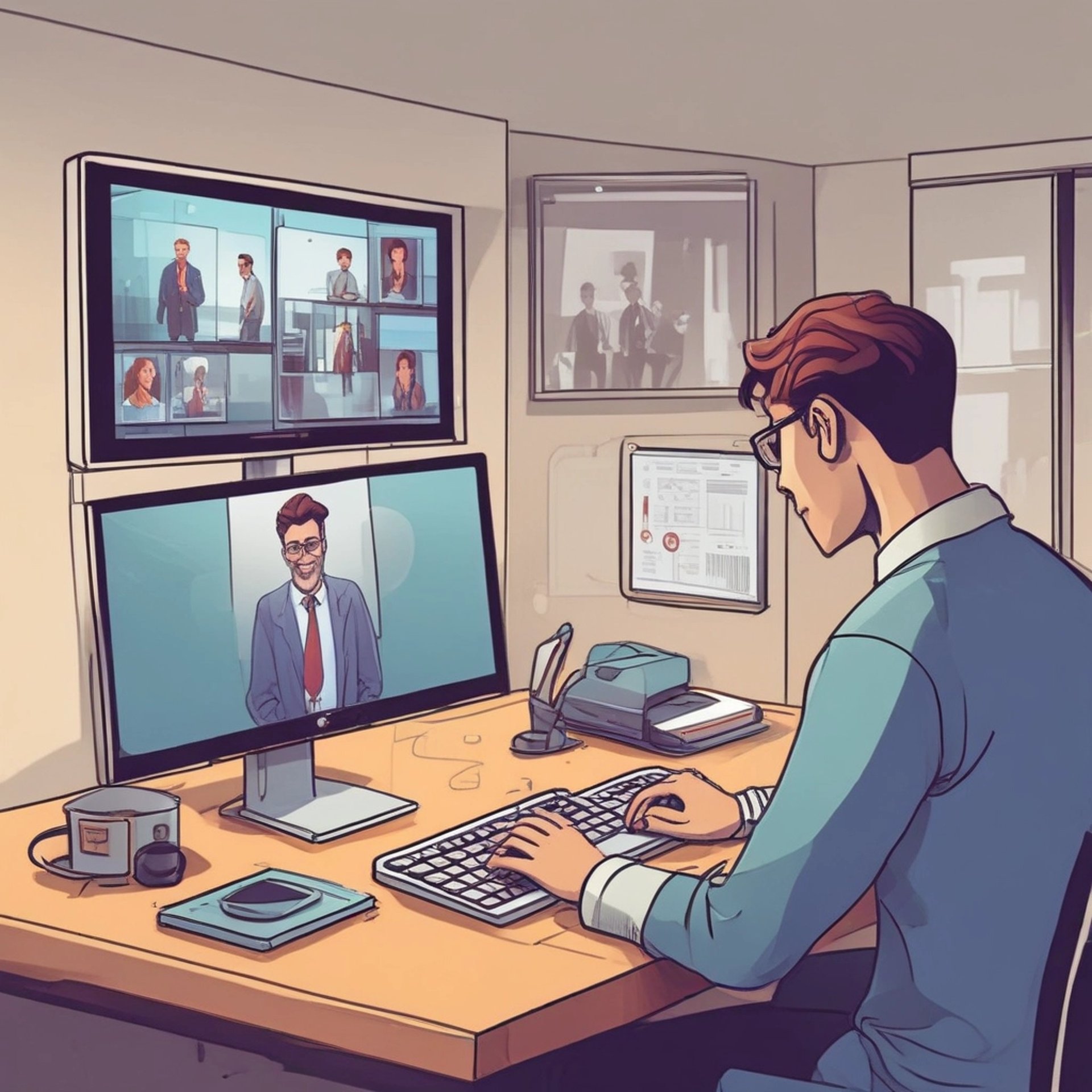
How To Record The Meeting
1. Setup the OBS
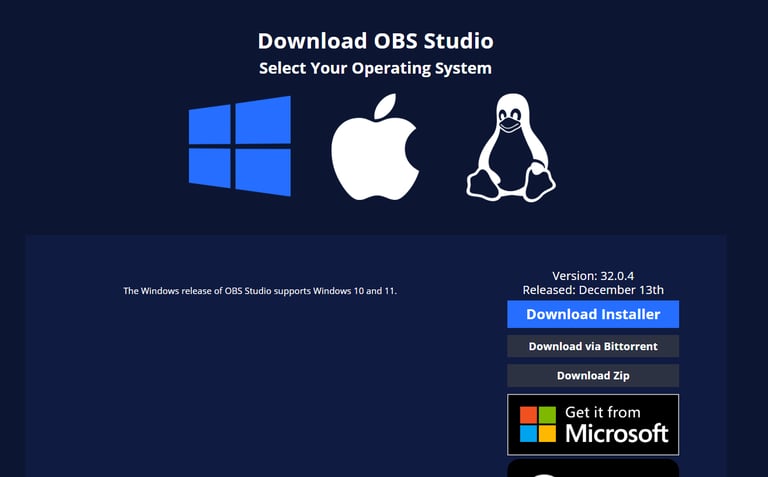
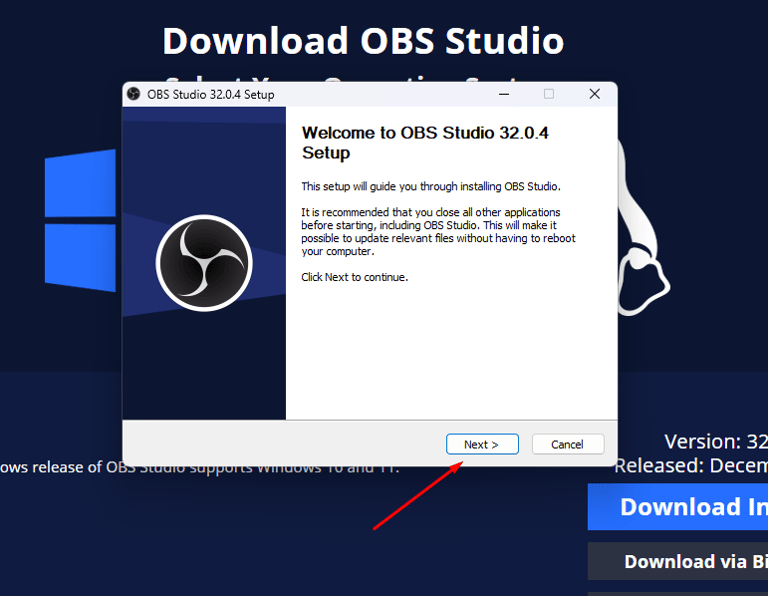
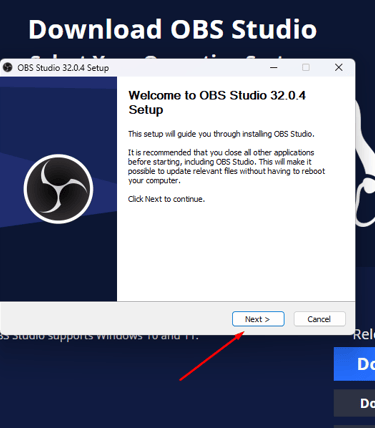
Visit to the download page on OBS website, and setup the OBS applicaion.
https://obsproject.com/download
2. Configure the setting
After installing the app successfully, first you need to configure the setting to record the audio and video.
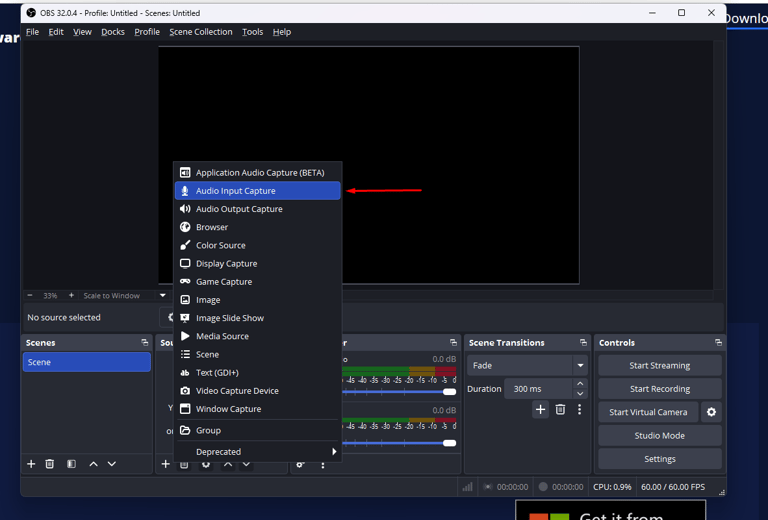
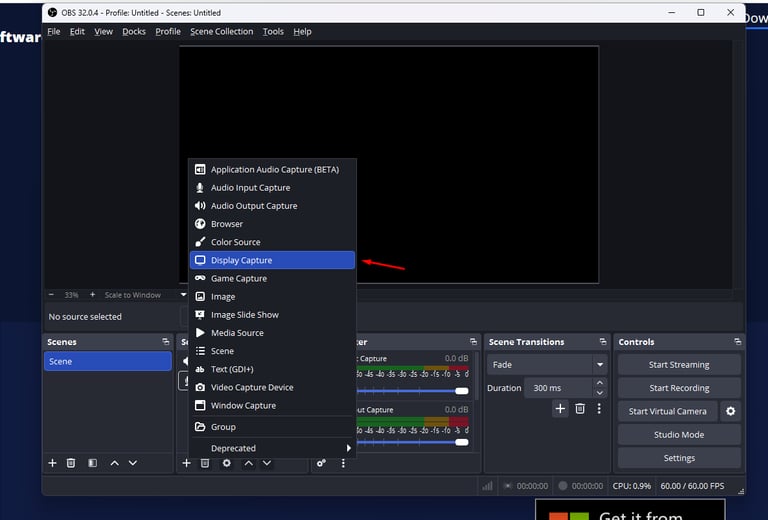
In Sources panel, you should add correct audio and video resources to the list.
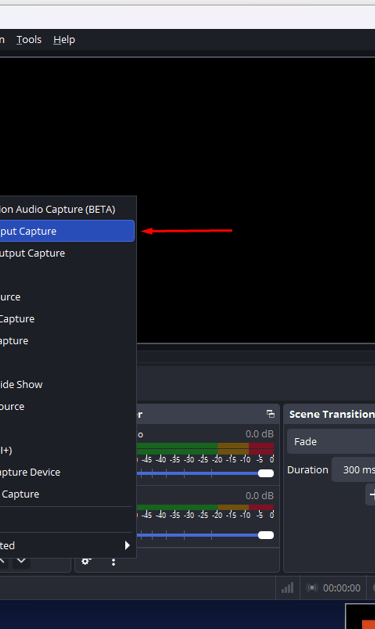
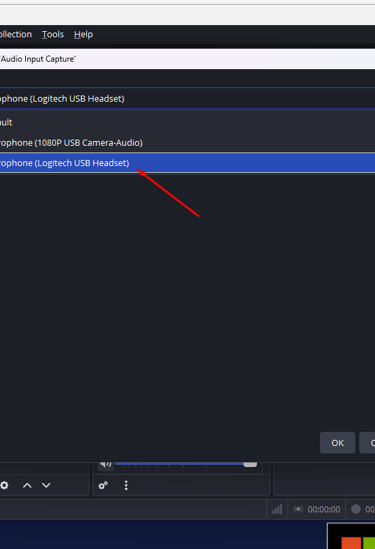
Add Audio Input Capture and select Audio Input Source.
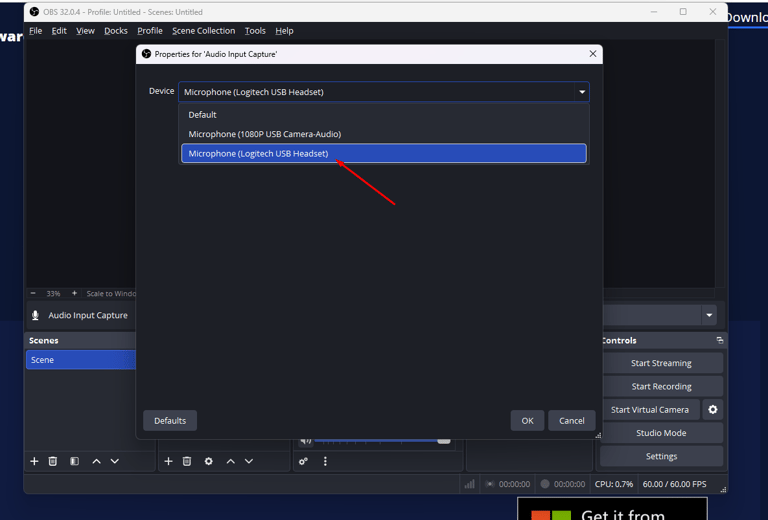
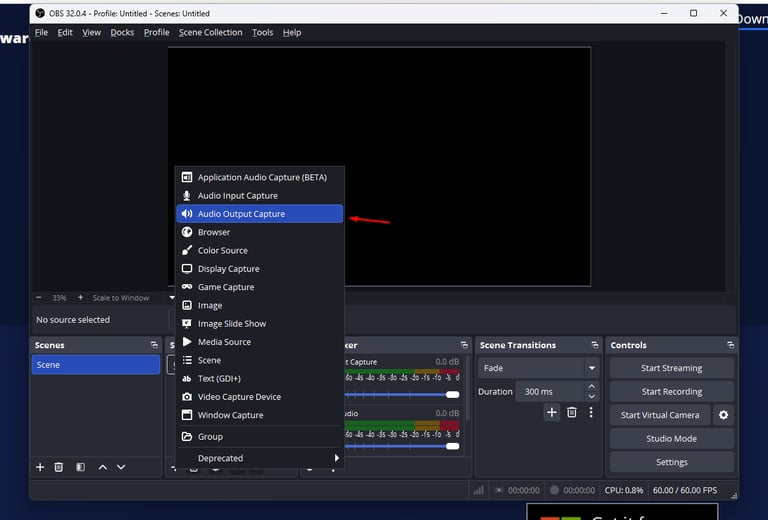
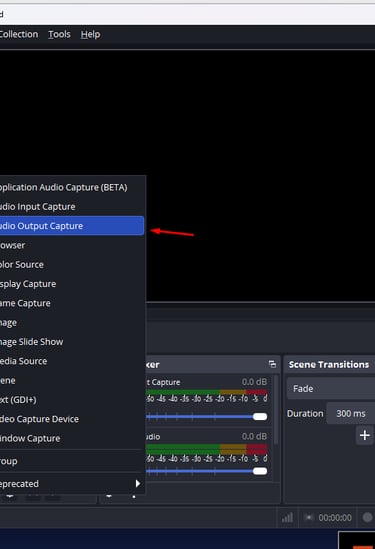
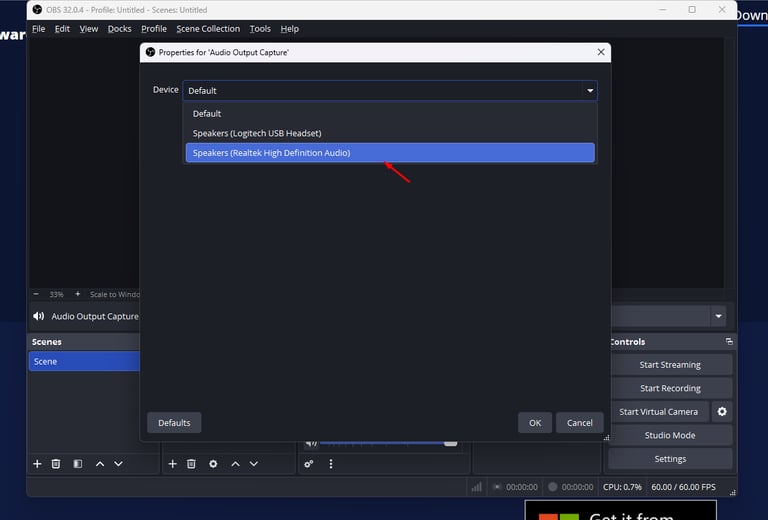
Add Audio Output Capture and select Audio Output Source.
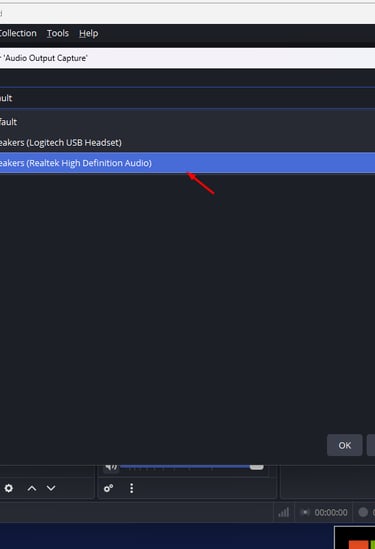
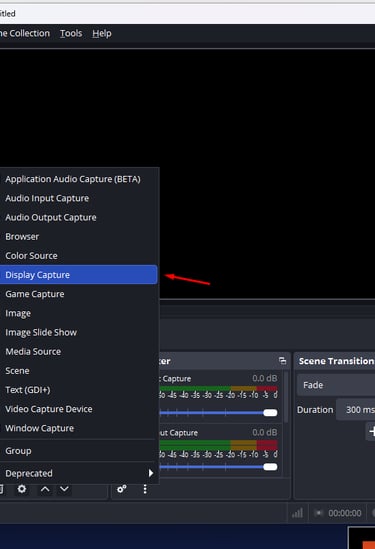
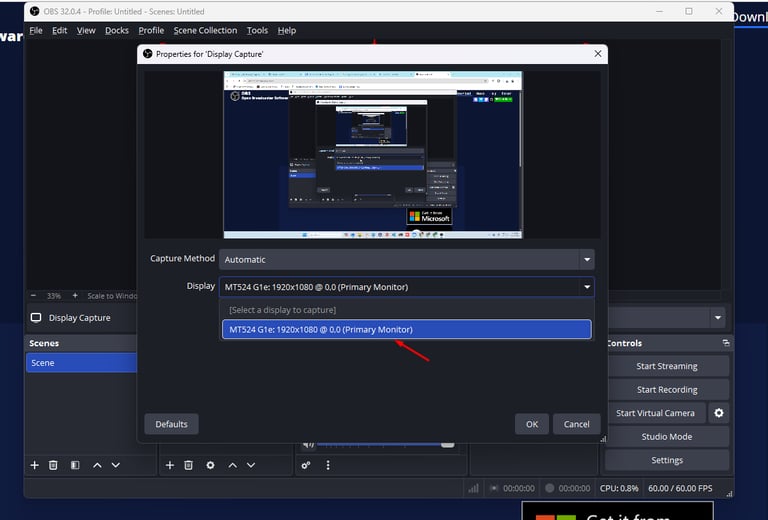
Add Display Capture and select Display Source.
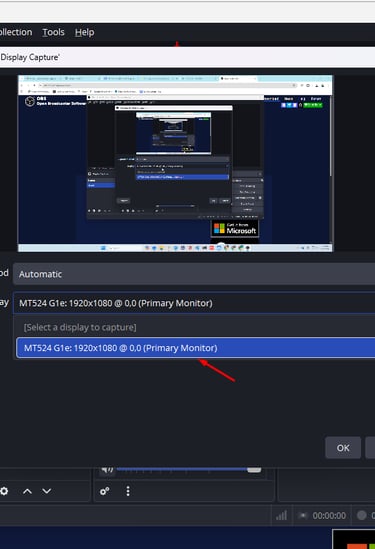
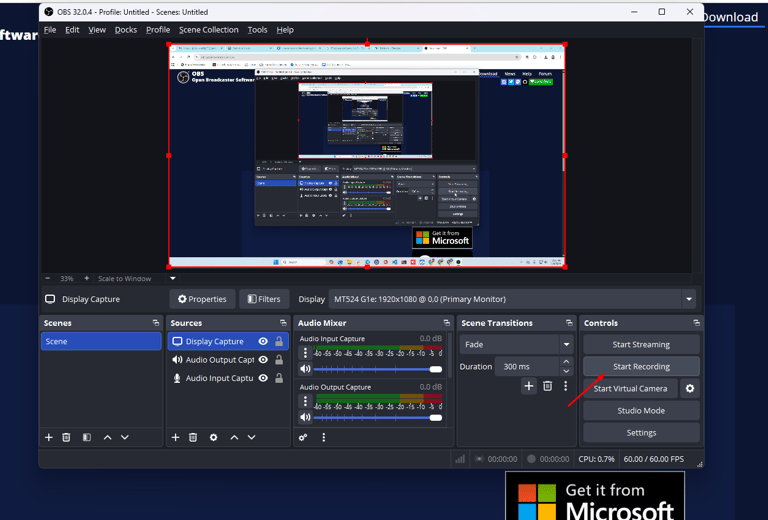
2. Test if OBS works correctly
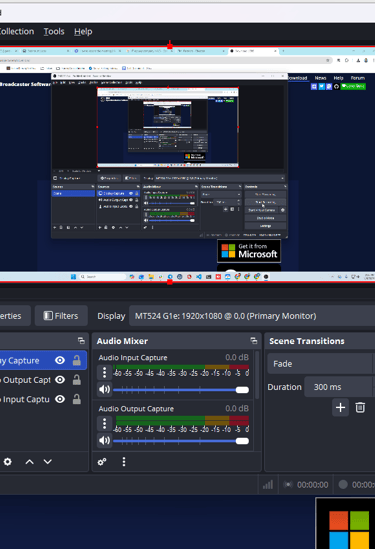
If you've done to setup the OBS app and to configure the setting, then you need to check if the OBS records the audio and video correctly.
Kunzig Consulting Inc
Explore our sleek website for seamless navigation.
Contact
Newsletter
info@kunzigconsulting.com
+1-786-755-8085
© 2026. All rights reserved.
More