

Browse Chrome As a Guest
Related Source: https://support.google.com/chrome/answer/6130773
Open Guest mode
On your computer, open Chrome.
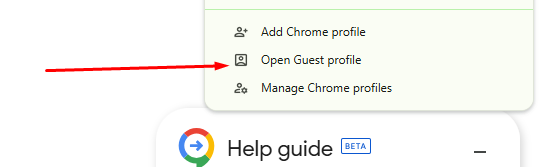
At the top right, select Profile .
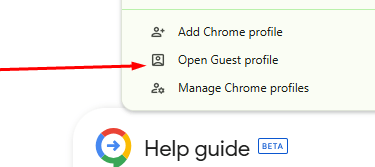
Open Guest profile.
Tips:
If there's a supervised user on your computer, Guest mode isn't available when all non-supervised profiles are locked.
Guest mode isn't available on Chromebooks. Learn how to use Chromebook as a guest.
Exit Guest mode
To close Guest mode:
On Windows and Linux: At the top right corner, select Close .
On Mac: At the top left corner, select Close .
Or:
At the top right, select Profile .
From the menu, select Close guest.
Your browsing history, cookies, and site data will be deleted.
Kunzig Consulting Inc
Explore our sleek website for seamless navigation.
Contact
Newsletter
info@kunzigconsulting.com
+1-786-755-8085
© 2026. All rights reserved.
More